How to change password in Skyworth Modem
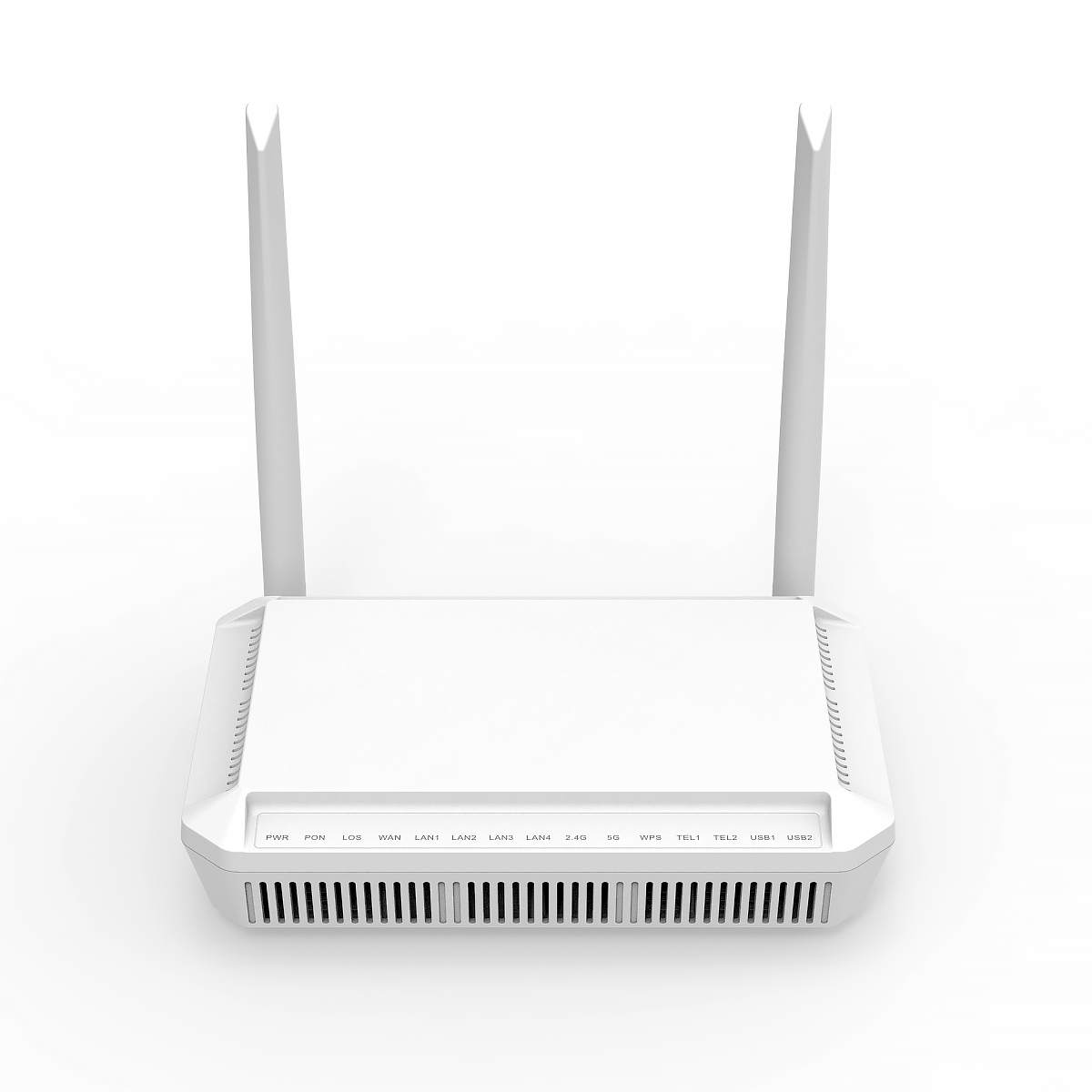
Connect to your Internet Connection
Open your Browser (Chrome)
Search 192.168.1.1
Enter Username and Password (The username and password is located at the back of your modem)
Go to WLAN
Click WLAN 2.4G/5G
Find SSID (Change WIFI name)
Find Pre-Shared-key (To change WIFI password)
Scroll Down and hit Confirm button
How to change password in Vsol Modem
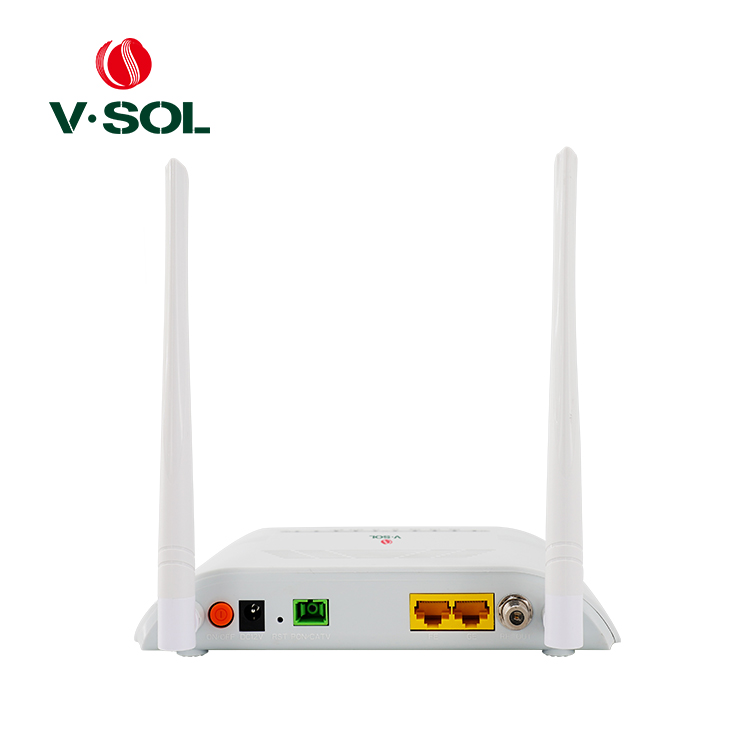
Connect to your Internet Connection
Open your Browser (Chrome)
Search 192.168.1.1
Enter Username and Password (The username and password is located at the back of your modem)
Go to Network
Click WLAN 2.4G
Find SSID (Change WIFI name)
Click Apply Changes
Click WLAN Security
Find Pre-shared key (Change Password)
Click Apply Changes
How to change password in Bdcom Modem
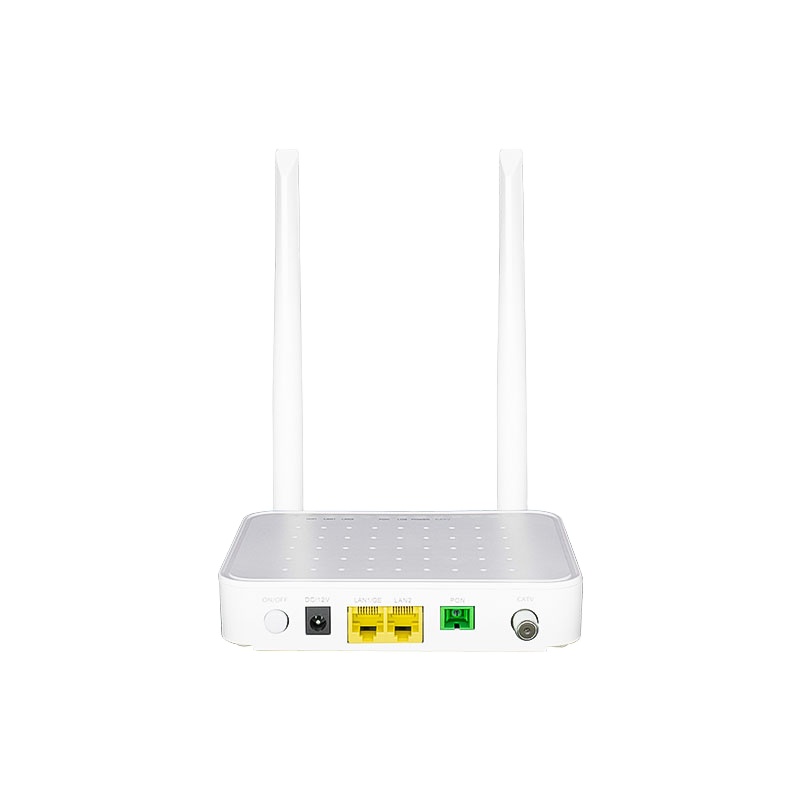
Connect to your Internet Connection
Open your Browser (Chrome)
Search 10.0.0.10
Enter Username and Password (The username and password is located at the back of your modem)
Go to WLAN
Find SSID (Change WIFI name)
Click Apply Changes
Click Security
Find Pre-shared key (Change Password)
Click Apply Changes
To Check the Speed of your Internet
Click the button below to test your internet connection speed